


 [tta_listen_btn]

 September 23 2026

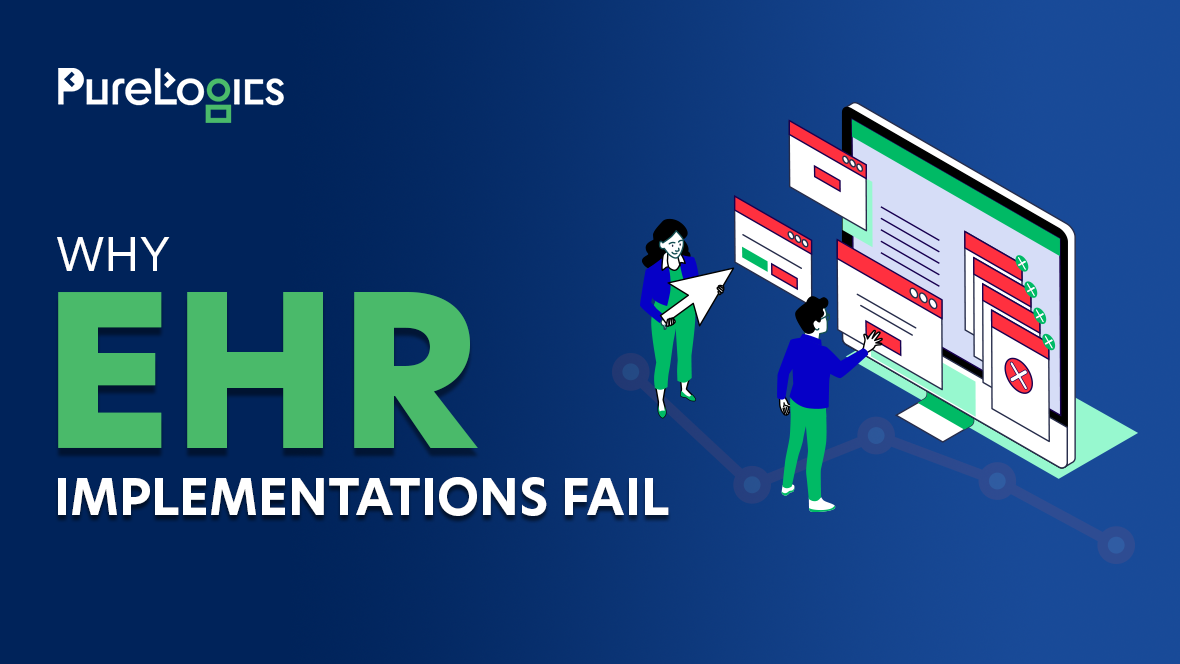
You can choose the right EHR software, complete the technical setup, and still end up with an implementation that disrupts clinical operations.
EHR adoption is already widespread, with 99% of U.S. non-federal hospitals using certified EHR systems. Yet adoption does not make implementation straightforward. The real challenge is making the system work within existing clinical and administrative operations, especially when workflows, data, and integrations are not properly addressed before go-live.
For healthcare leaders, these gaps can translate into higher costs, workflow disruption, and resistance from the teams expected to use the system.
So why do EHR implementations fail?
The reasons usually come down to a combination of planning, technical, workflow, and organizational challenges that can surface throughout the implementation process.
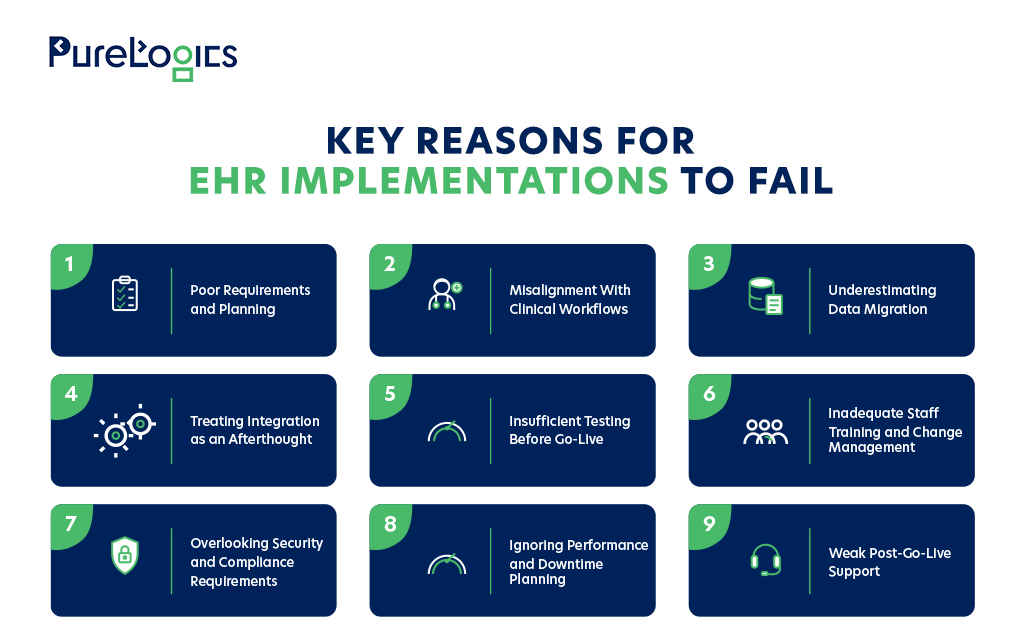
9 Common Reasons EHR Implementations Fail
While EHR implementation challenges vary across organizations, most failures trace back to a few recurring issues. As you evaluate your own implementation strategy, these are the areas that deserve the closest attention.
1. Poor Requirements and Planning
EHR implementation problems can start long before the system is configured. If your clinical needs, system requirements, integration dependencies, and data requirements are not clearly defined, you may discover major gaps later in the project.
When those gaps surface late, they can lead to rework, change requests, delays, and unexpected costs.
Where Planning Needs to Start
Before configuration begins, your implementation team should have a clear view of what the EHR needs to support and how it will fit into your existing environment.
Key planning areas include:
- Data migration scope
- Major dependencies and risks
- Business and clinical objectives
- Go-live and acceptance criteria
- System and integration requirements
Clear requirements give your clinical, technical, and operational teams a shared direction before implementation decisions become harder to change.
2. Misalignment With Clinical Workflows
A technically sound EHR can still create problems if it doesn’t fit how your clinicians and staff actually work. If routine tasks require unnecessary steps, users may create workarounds that affect productivity and adoption.
Validate Workflows Before Configuration
Before finalizing the configuration, review the workflows that matter most to daily operations:
- Medication workflows
- Clinical documentation
- Scheduling and referrals
- Ordering and results review
- Billing and administrative processes
Bring the people who perform these tasks into the validation process. They can identify workflow friction and practical issues that may not appear during a technical review alone.
3. Underestimating EHR Data Migration
Data migration is more than moving records from one database to another. Legacy systems may contain different schemas, inconsistent terminology, duplicate patient records, incomplete information, or custom HL7 v2 segments that do not map cleanly to the target EHR.
What happens when those issues are discovered after migration?
Your team may end up spending significant time reconciling records, correcting data, and resolving inconsistencies that could have been identified earlier.
Make Data Validation Part of the Migration
Before migration, determine:
- What can be archived
- What data needs to move
- What requires transformation
- How critical data will be reconciled
- How migrated records will be validated
The goal is to keep your data accurate, complete, and usable in the new environment.
4. Treating EHR Integration as an Afterthought
The EHR rarely operates alone. It may need to exchange information with laboratories, pharmacies, imaging systems, billing platforms, patient applications, and other healthcare systems.
If these dependencies are addressed late, integration problems can delay testing or disrupt workflows once the system is in production.
Map the Integration Landscape Early
Start with an inventory of the systems that need to exchange data with your EHR. Then determine where APIs, HL7, FHIR, middleware, and legacy interfaces fit into the architecture. EHR interoperability should be considered early because these connections can directly affect clinical workflows and testing.
For each integration, establish ownership for:
- Monitoring
- Error handling
- Data mapping
- Issue resolution
- Interface testing
This makes integration part of your implementation plan instead of a problem discovered late in the project.
Build a More Reliable Integration Strategy
Identify interoperability, data exchange, and integration risks before implementation begins.
5. Insufficient Testing Before Go-Live
Functional testing is only one part of the picture. Your team also needs to see how the EHR behaves when real users, connected systems, and heavier workloads are involved.
This is where realistic testing becomes particularly valuable. An interface may work perfectly on its own but still fail when it becomes part of a larger clinical workflow. Leadership should agree in advance on which issues need to be resolved before production approval.
Test the Environment
A complete testing strategy should cover:
- Security controls
- User acceptance testing
- Failure and recovery scenarios
- Integration and interface behavior
- Performance under expected workloads
- End-to-end clinical and administrative workflows
Testing with realistic workflows and connected systems helps uncover issues that may not appear during isolated technical testing. Leadership should also agree on which defects must be resolved before the system receives production approval.
6. Inadequate Staff Training and Change Management
An EHR changes how people document care, share information, and handle daily administrative work. Training that focuses mainly on system features may not prepare users for the workflows they will actually follow.
Train Around Real Responsibilities
The training approach should reflect the work each group performs.
For example:
- Clinicians need practice with documentation and clinical workflows.
- Nurses may need workflow-specific training around orders, medications, and care coordination.
- Administrative teams may need training around scheduling, billing, and patient management.
Once the system is in use, recurring support requests can provide another useful signal. If the same workflow questions or issues keep coming up, they may point to a need for additional training or clearer process guidance.
7. Overlooking Security and Compliance Requirements
Security and HIPAA compliance are much harder to address when they are treated as final-stage requirements. An EHR environment may involve role-based access control, authentication, encryption, audit logging, identity management, and other safeguards for protected health information.
The same applies to integrations. APIs, OAuth scopes, service accounts, and connected applications all need clearly defined permissions so that data can move between systems without creating unnecessary access risks.
Build Security Into the Architecture
Security decisions need to be part of your architecture from the beginning and reviewed throughout the implementation.
Before production approval, teams should have clear visibility into:
- Audit logging
- Protection of PHI
- Security testing results
- Authentication mechanisms
- HIPAA compliance requirements
- API permissions and access scopes
- User and application access controls
Handling these requirements early gives the team more flexibility to address architectural or access issues without introducing avoidable delays later in the project.
8. Ignoring Performance and Downtime Planning
An EHR can be technically available while users are still experiencing slow response times. Heavy API traffic, database load, integration services, or downstream applications can affect critical workflows even when the primary system appears to be operating normally.
Plan for Peak Loads and Downtime
Performance testing should reflect expected clinical workloads, concurrent users, and critical integrations.
Downtime procedures also need to be tested for workflows that cannot simply stop when the system becomes unavailable.
Teams should know:
- How systems will be restored
- How data will be reconciled afterward
- How information will be documented during downtime
- Which processes can continue while systems are unavailable
After go-live, monitoring availability, latency, integration errors, and recurring performance issues gives the team visibility into problems that may affect day-to-day operations.
9. Weak Post-Go-Live Support
Going live is an important milestone, but it is not the end of the implementation. Real production workloads can expose configuration issues, integration failures, performance problems, and workflow gaps that were difficult to reproduce during testing.
Without enough support during this period, temporary workarounds can become part of the normal workflow.
Make Stabilization Part of the Plan
A defined stabilization period gives technical and operational teams time to work through issues as they emerge. The focus may include:
- Supporting users
- Tracking recurring problems
- Resolving critical production issues
- Prioritizing workflow improvements
- Monitoring system and integration performance
As the environment becomes more stable, the focus can move toward optimization and continuous improvement rather than day-to-day issue resolution.
EHR Implementation Checklist: What Should Healthcare Leaders Review?
Keep this checklist close throughout the implementation process to help your team stay focused on the areas that can have the greatest impact on success.
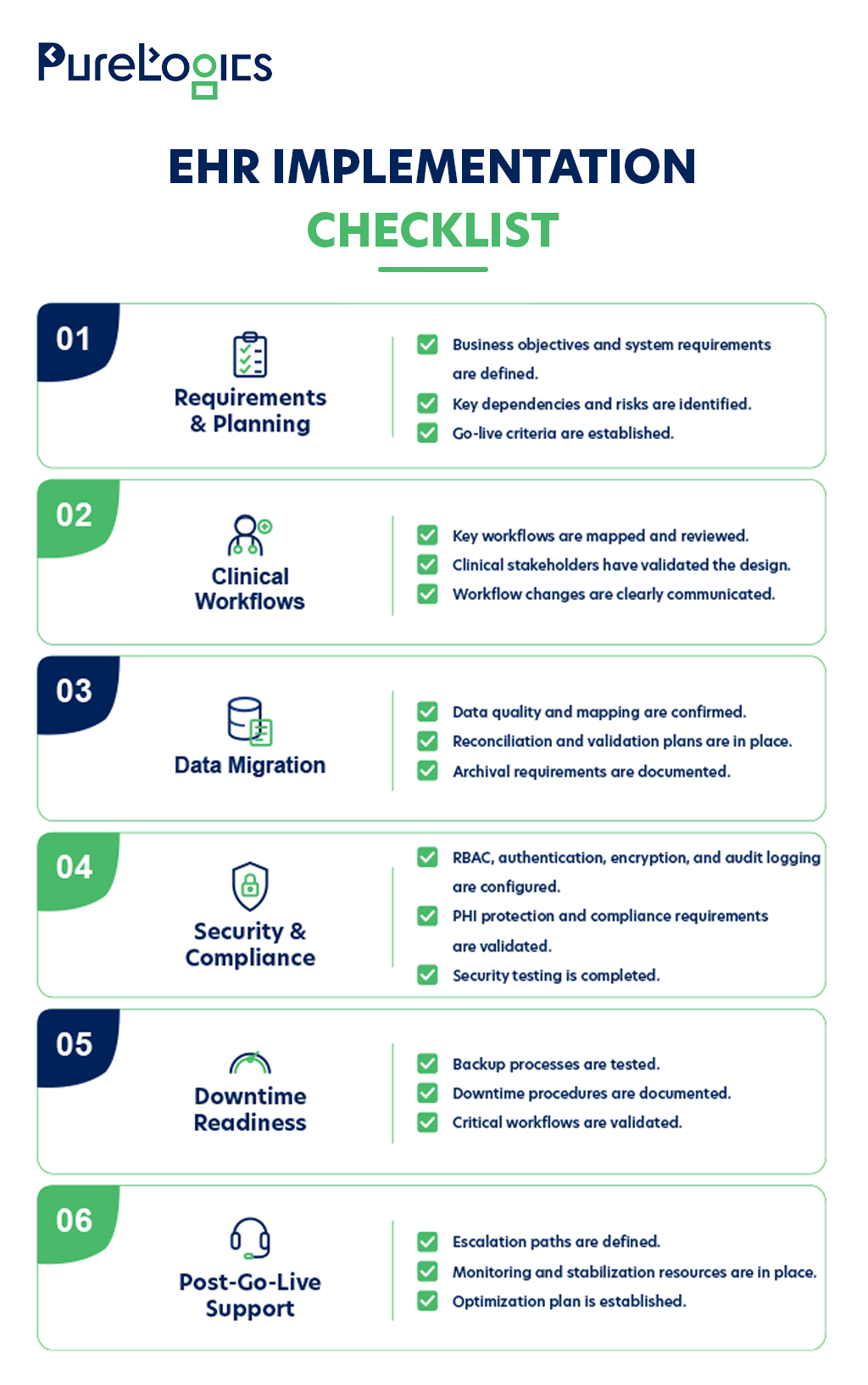
This checklist gives healthcare leaders a practical way to identify gaps before they become expensive problems.
How Can You Measure EHR Implementation Success?
Reaching the go-live date does not necessarily mean the implementation succeeded. The real test begins when clinicians, staff, and connected systems start using the EHR in day-to-day operations.
Track performance across the following dimensions:
- Support trends: Are recurring issues and support requests declining?
- User adoption: Are clinicians and staff using the intended workflows?
- Data accuracy: Are records complete, consistent, and correctly mapped?
- System performance: Are latency, availability, or downtime affecting workflows?
- Business outcomes: Is the organization achieving the expected operational improvements?
- Workflow efficiency: Are documentation and operational processes improving or creating friction?
- Integration performance: Are APIs, HL7, FHIR interfaces, and connected systems exchanging data reliably?
A successful EHR implementation is measured by how well the system performs in real-world operations and the business value it delivers, not just by reaching the launch date.
A Strategic Approach to EHR Implementation
EHR implementation risk starts long before launch. Requirements, clinical workflows, data migration, integration architecture, testing, training, security, performance, and post-launch support all influence whether the system works effectively in practice.
Healthcare leaders should evaluate these areas as one connected implementation strategy rather than treating them as separate technical workstreams throughout the EHR implementation process.
If your organization is preparing for an EHR implementation, take the time to assess the technical dependencies before moving into production. When additional expertise is needed, a reliable EHR integration partner can help you evaluate those risks and plan the next steps.
Frequently Asked Questions
1. What should you consider when choosing an EHR development partner?
Look for experience with EHR software development, healthcare workflows, interoperability, data migration, security, integrations, testing, and post-go-live support. The partner should also be able to work effectively with clinical, technical, and executive stakeholders throughout the implementation.
2. How can healthcare organizations prevent EHR implementation failure?
A successful implementation starts with clear requirements, validated clinical workflows, and early planning for data migration and integrations. Realistic testing, user training, security planning, and post-launch monitoring can help identify issues early and prevent costly operational problems.
3. When should an organization consider replacing or upgrading its EHR?
An upgrade or replacement may be worth considering when the existing EHR can no longer support current workflows, integration requirements, security needs, performance expectations, or organizational growth. Rising maintenance costs and persistent usability or interoperability problems can also indicate that the current platform needs to be reassessed.